Why Choose Magento for Your Store
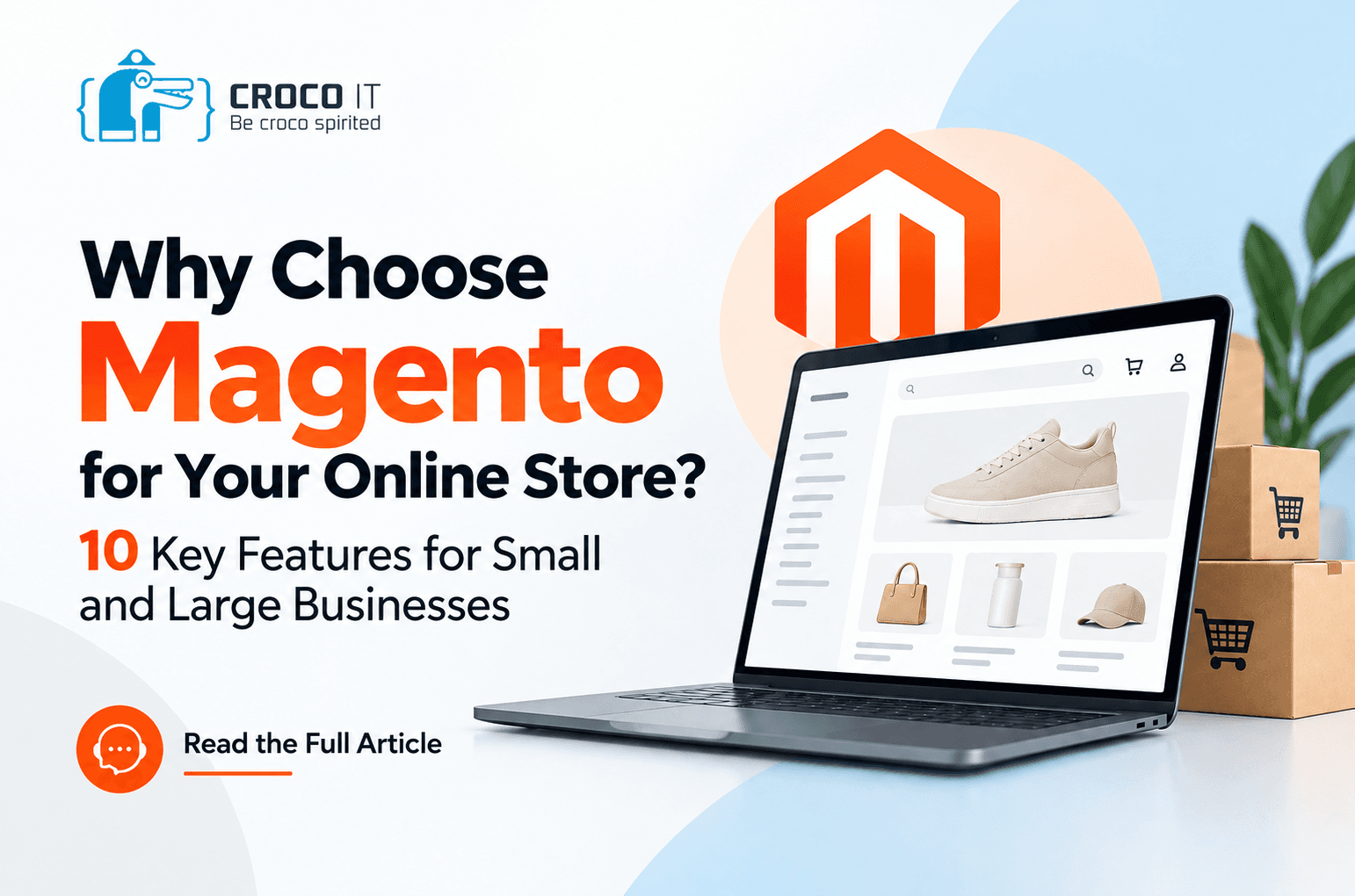
Why Choose Magento for Your Online Store? 10 Features for Small and Large Businesses
Looking for an ecommerce platform that can grow as fast as your business? Choosing a platform is more than a technical decision. It shapes how easily you can scale, how you manage sales, and what the shopping experience feels like for your customers.
Whether you’re launching your first store or running a company with thousands of products, you need more than a place to list items and take orders. That’s where Magento comes in: one of the most capable platforms for businesses that want flexibility and full control over their store.
In this guide, we walk through Magento’s key strengths, show which edition fits your size, and explain when it’s the right call, and when it isn’t.
What Is Magento?
Magento is an ecommerce platform for building and running online stores. It brings products, catalogs, orders, customers, inventory, and promotions together in one system. It’s best known for its depth of customization, and today it’s part of the Adobe ecosystem.
It comes in four main editions:
- Magento Open Source: the open-source edition, with no license fee for the platform itself. You host it on the infrastructure of your choice.
- Adobe Commerce On-Premises: the paid, commercial edition with advanced enterprise capabilities, hosted on your own infrastructure.
- Adobe Commerce on Cloud: the commercial edition running on managed cloud infrastructure, while your team still develops and maintains the application.
- Adobe Commerce as a Cloud Service: a fully managed service that reduces your operational workload, with customization done through APIs.
This article focuses on Magento Open Source, because it lets most businesses build a tailored store without paying platform license fees. For a side-by-side look at all four editions, read our guide: “Is Magento Right for Your Business?”
1. Open Source Means Full Control
With Magento Open Source, you can access and modify the code to fit the way your business works, something many closed platforms simply don’t allow. That means you can:
- Build custom features for your store.
- Design a buying experience that suits your products and customers.
- Choose your own hosting and infrastructure.
- Connect the store to your internal systems.
- Keep evolving the platform without being tied to a single vendor.
Why it matters: as your business grows, you may need to rework your pricing logic, change the order process, or add features that off-the-shelf platforms don’t offer. Open code gives you room to build exactly what you need, instead of working within the limits of someone else’s product.
2. Scalability: Start Small, Grow on the Same Platform
You might begin with a few dozen products and expand to thousands, new categories, and new markets. With Magento, you can launch with a lean version of your store covering the essentials (catalog, pricing, shipping, and payments) and add capabilities gradually as demand grows. Over time, the store can be built to support:
- Large catalogs and a rising volume of customers and orders.
- Multiple stores managed from one place.
- Integration with inventory and warehouse systems.
One caveat: high performance at large scale depends on solid hosting, database optimization, caching, and careful technical tuning.
The real advantage: room to grow without replatforming every time your needs change. Moving from one platform to another means migrating data and rebuilding, and if it isn’t planned carefully, it can hurt your Google rankings.
3. Multiple Stores, Languages, and Markets from One Admin
If you sell in more than one country, each market may need its own experience: a store for Saudi Arabia and another for the UAE, an Arabic storefront and an English one, with prices and currencies tailored to each region.
Magento Open Source supports a multi-store architecture that lets you manage several websites, stores, and storefront views from a single installation, with the right settings and permissions. Instead of building a separate system for every market, you work from one central setup that simplifies management and cuts duplicated effort.
4. Flexible Design and Customization
User experience is one of the biggest drivers of ecommerce success. A good store makes products easy to find and checkout effortless. Magento lets you customize:
- The homepage and category pages.
- Product pages and specifications.
- Menus and navigation.
- The cart and checkout steps.
- The mobile experience.
You can also build modern storefronts with a headless commerce approach, which separates the front end from the back end, or use fast, modern themes such as Hyvä. The result is a store that reflects your brand rather than a generic template with limited room to change.
5. Strong Tools for SEO
Search visibility is a vital channel for reaching customers who are already looking for what you sell. Magento Open Source offers tools and settings to help your store perform well in search, including:
- Control over page titles and meta descriptions for products, categories, and content.
- URL management and redirects when you need them.
- XML sitemaps that help search engines discover your pages.
- Canonical URL settings to handle duplicate content.
- The flexibility to implement technical improvements for page speed and mobile performance.
To be clear, Magento alone won’t guarantee top rankings. Success takes a complete SEO strategy that covers content, technical foundations, site speed, internal linking, and well-optimized product pages.
6. Advanced Product and Inventory Management
Online stores need precise product management, especially with multiple sizes, colors, models, and warehouses. Magento Open Source supports several product types:
- Simple products.
- Configurable products, with options such as size and color.
- Grouped products and bundles.
- Virtual and downloadable products.
It also supports Multi-Source Inventory. If your company has a warehouse in Cairo and another in Riyadh, for example, the system can manage stock across both locations and decide which source fulfills each order based on your business rules. That improves inventory accuracy and reduces conflicts between orders and available stock.
7. Integration with ERP, CRM, Payments, and Shipping
An online store rarely works in isolation from the rest of your business. You may need to connect it to:
- ERP systems: to sync products, inventory, invoices, and orders.
- CRM systems: to manage customer data and track sales.
- Payment gateways: to offer the payment methods your target market expects.
- Shipping providers: to manage shipments and update their status.
- Point-of-sale (POS) systems: to unify sales across your branches and your online store.
Magento Open Source provides APIs such as REST, GraphQL, and SOAP, which make it possible to build custom integrations.
A practical example: a company may need to connect its store to an ERP, a local payment gateway, a shipping provider, and an e-invoicing system that complies with local regulations. This can be done with compatible extensions or custom integrations, but these capabilities don’t come ready-made out of the box. How they’re delivered depends on the systems involved and the needs of your project.
8. Marketing Tools That Help You Sell More
Ecommerce success isn’t only about attracting visitors. It’s about turning them into buyers and bringing them back. Magento Open Source includes tools that help you:
- Create discount coupons and apply pricing and promotion rules.
- Offer discounts on specific products or categories.
- Show related products and suggest alternatives and add-ons.
- Manage basic email newsletters.
You can extend these with extensions and third-party tools for marketing automation, abandoned-cart recovery, and a more personalized shopping experience.
9. A Large Ecosystem of Extensions and Developers
When you choose a platform, it helps to know there’s a technical community behind it. Magento has a wide network of developers and specialist agencies, along with extensions and themes available through the Adobe Commerce Marketplace and other sources. They cover things like better search and filtering, payment and shipping integrations, checkout improvements, product reviews, and marketing and analytics tools.
That said, choose extensions carefully. Make sure they’re compatible with your Magento version, well built, and actively supported. Installing too many can hurt performance, stability, and security.
10. No License Fee, Flexible Investment
Magento Open Source can be used without a license fee for the core software. But does that mean your store is completely free?
No. The cost of a store depends on the size and requirements of your project, and typically includes:
- Store design and development.
- Hosting and infrastructure.
- Paid extensions, where needed.
- Integration with payments, shipping, and ERP systems.
- Maintenance, security updates, performance tuning, and technical support.
To be upfront: the starting budget on an open platform is usually higher than a simple monthly subscription. In exchange, it can save you the cost and disruption of migrating later, and it gives you far more control. That’s why it’s worth evaluating the total cost of ownership (TCO) rather than the license fee alone.
Which Edition Fits Your Business Size?
A small business with growth plans. Start with a lean version of Magento Open Source that covers the essentials, and add features as you need them. Your team gets comfortable with one system from day one, and you avoid a forced move later.
A mid-sized, growing company. You can keep building on Open Source with strong development, or consider Adobe Commerce if you need additional commercial features.
A large company or enterprise. The decision centers on control and infrastructure: On-Premises for full control over your environment, Adobe Commerce on Cloud for managed cloud hosting with custom development, or Adobe Commerce as a Cloud Service to reduce infrastructure and update management.
Ready-Made Platform or Open Platform?
Most ecommerce platforms fall into one of two camps:
- Hosted, ready-made platforms: typically faster to launch and cheaper to start, but with limited customization and integrations that depend on the available apps.
- Open platforms like Magento: more control, deeper customization, and wider integration options, in exchange for planning, development, and a technical partner.
Neither is always better. The right choice depends on your business size and growth plans. For a closer comparison, read our article: “Ready-Made or Open Platform?”
Is Magento a Good Fit for Egypt, Saudi Arabia, and the Gulf?
Yes. Magento can be configured very effectively for Arab markets, especially when you need tailored solutions:
- Multilingual support: Arabic and English storefronts, with the design adapted for right-to-left (RTL) reading.
- Multiple currencies and markets: pricing and currencies that follow your sales strategy in each country.
- Local payment methods: integration with suitable gateways, such as mada and Apple Pay in Saudi Arabia and local gateways in Egypt, depending on available extensions or integration options.
- Shipping providers: integrations with local and regional carriers to track and manage orders.
- Regulatory requirements: solutions for taxes and e-invoicing, provided they’re implemented and tested against each country’s regulations.
What to Plan for Before You Start
No platform is perfect for every project, so it’s worth planning for these from the beginning:
- A starting budget that’s usually higher than a simple monthly subscription.
- A specialized technical partner for development, hosting, updates, and maintenance. Regular updates are part of the budget, because older versions eventually fall out of standard support.
- If you’re still testing an idea you’re not sure about, a simpler platform may be enough for now, as long as you account for the possibility of migrating later.
How Croco IT Can Help You Build a Magento Store
Choosing a platform is only the first step. Success depends on how the store is designed, built, and connected to your business operations. At Croco IT, we serve small and large businesses with the same care: we start small businesses with a solution that fits their size and budget and grows on the same platform, and we build enterprise-grade solutions with all the customizations and integrations larger companies need. We can help you with:
- Analyzing your business needs and choosing the right technical foundation for your size and budget.
- Launching your store on a lean version of Magento that’s ready to scale.
- Full custom development for larger companies.
- Integrations with ERP, CRM, payment, and shipping systems.
- Technical setup for performance and search visibility.
- Ongoing development and improvement, scoped to your project.
Our goal isn’t just to launch a store. It’s to help you build a digital sales channel that can grow and connect with the way your company works.
Conclusion: Is Magento Worth the Investment?
If you want a platform that gives you control, flexibility, customization, and room to scale, Magento Open Source deserves a place on your shortlist, whether you’re starting with a small store or running a large company. But getting the most out of it depends on good planning and sound technical execution.
Planning a new online store, or ready to upgrade your current one? Book a consultation with the Croco IT team to talk through your project and find the right edition and starting point for your business.
Magento FAQ
Is Magento free?
Magento Open Source is free in terms of the core software license, but building and running a store requires a budget for development, hosting, maintenance, and extensions where needed.
Is Magento suitable for small businesses?
Yes, if you have a growth plan. You can start with a lean version and add features gradually. Expect a higher starting budget than a simple monthly subscription, in return for avoiding a migration later.
Does Magento support Arabic?
Yes. You can build an Arabic storefront using language packs and the right customizations, with the design adapted for right-to-left reading.
Can Magento be integrated with an ERP?
Yes. Magento Open Source provides APIs that make it possible to build integrations with ERP systems to sync products, inventory, orders, and other data.
Is Magento a good fit for Saudi Arabia, the Gulf, and Egypt?
Yes. It can be configured for language, currencies, payment and shipping methods, and local integrations, while meeting each country’s regulatory requirements.
What’s the difference between Magento Open Source and Adobe Commerce?
Magento Open Source is open source with no core license fee. Adobe Commerce is a paid commercial product available in several editions, offering additional enterprise features and services.
Is Magento better than ready-made platforms?
It depends on your needs. A ready-made platform is faster to launch, while Magento offers more control, customization, and integration options to support growth.
Publishing Details (for the team, not for publication)
Meta title: Why Choose Magento? 10 Features for Your Online Store | Croco IT
Meta description: Discover 10 reasons Magento is a strong choice for small and large online stores: control, scalability, integrations, SEO, and which edition fits your business.
URL slug: /blog/why-choose-magento-ecommerce-store-en
Primary keyword: why choose Magento
Secondary keywords: Magento features, Magento ecommerce, Magento Open Source, Magento for small business, Magento store development, Magento vs Adobe Commerce
Before publishing:
- Link this page and the Arabic version to each other with hreflang tags, so search engines serve the right language and don’t treat them as duplicates.
- Confirm that crocoit.com doesn’t carry a noindex tag, or the article won’t appear on Google.
- Verify the Hyvä, version-support, and licensing details against official Adobe sources before publishing.
- Confirm which markets Croco IT actively serves (Egypt, Saudi Arabia, the Gulf) before featuring that section.
- Add internal links to the two guides mentioned in the text, and add a featured image and owned or licensed visuals.